Certified Node.JS Developer

How It Works

  1. 1. Select Certification & Register
  2. 2. Receive Online e-Learning Access (LMS)
  3. 3. Take exam online anywhere, anytime
  4. 4. Get certified & Increase Employability

Test Details

  • Duration: 60 minutes
  • No. of questions: 50
  • Maximum marks: 50, Passing marks: 25 (50%).
  • There is NO negative marking in this module.
  • Online exam.

Benefits of Certification

  • Government Certification
  • Certification valid for life
  • Lifelong e-learning access
  • Learning Hours: 40+ hrs
  • Life Time Job Support
  • Updated June 2026
$49.00 /-
Download Brochure

Node.js has transformed the way modern web applications are built, enabling developers to use JavaScript on the server side for fast, scalable, and event-driven applications. From startups to global enterprises, Node.js powers some of the world's most high-traffic platforms — including LinkedIn, Netflix, Uber, and PayPal. The Vskills Certified Node.js Developer certification validates your ability to build real-world backend applications using Node.js, Express, MongoDB, REST APIs, WebSockets, and more. Whether you are looking to start your backend development journey or formalize your existing skills, this certification gives you the industry-recognized credential to stand out in a competitive job market.

Why choose Vskills Certified Node.js Developer Certification?

Vskills is India's largest certification body, recognized by the Government of India, offering certifications that carry lifetime validity and are verifiable by employers nationwide. The Node.js Developer certification is designed to match real industry demands, covering everything from core Node.js fundamentals to building production-ready REST APIs and real-time applications. Your certification is tagged on job portals and LinkedIn, giving you instant visibility with recruiters. With a one-time fee, lifetime validity, and government-backed credibility, Vskills certification is one of the most cost-effective career investments a developer can make.

Who should enroll?

This certification is ideal for aspiring backend developers who want to build a strong foundation in Node.js and server-side JavaScript. Frontend developers looking to transition into full-stack or backend roles will find this program a natural and well-structured next step. Computer science graduates and engineering students preparing for placements in product companies and service firms will benefit from the hands-on, practical curriculum. Working professionals in QA, IT support, or adjacent technical roles who want to upskill into development will also find this course accessible and career-relevant. A basic understanding of JavaScript and web fundamentals is recommended before enrolling.

What You Will Learn?

By completing this certification, you will gain a thorough understanding of how Node.js works under the hood, including the event loop, non-blocking I/O, and the Node module system. You will learn to build command-line applications, RESTful APIs, and real-time web applications using industry-standard tools and libraries. The curriculum covers Express.js for server-side routing and middleware, MongoDB and Mongoose for database operations, and JWT-based authentication for securing APIs. You will also learn file uploads, data validation, sorting, pagination, filtering, and email integration with SendGrid.

The course includes a dedicated testing module using Jest, covering async testing, mocking, and test suites for Express applications. Finally, you will build and deploy a fully functional real-time chat application using Socket.io, giving you a complete, production-ready project for your portfolio.

Here is the complete course outline

Module 1 — Course Introduction

  • Introduction 
  • PDF Guide

Module 2 — Installing and Exploring Node.js

  • Section Intro 
  • Installing Node.js and Visual Studio Code 
  • What is Node.js? 
  • Why Should I Use Node.js? 
  • Your First Node.js Script

Module 3 — Node.js Module System (Notes App)

  • Section Intro 
  • Importing Node.js Core Modules 
  • Importing Your Own Files 
  • Importing npm Modules 
  • Printing in Color 
  • Global npm Modules and nodemon

Module 4 — File System and Command Line Args (Notes App)

  • Section Intro 
  • Getting Input from Users 
  • Argument Parsing with Yargs (Part I & II) 
  • Storing Data with JSON 
  • Adding a Note 
  • Removing a Note 
  • ES6 Aside: Arrow Functions 
  • Refactoring to Arrow Functions 
  • Listing Notes 
  • Reading a Note

Module 5 — Debugging Node.js (Notes App)

  • Section Intro 
  • Debugging Node.js 
  • Error Messages

Module 6 — Asynchronous Node.js (Weather App)

  • Section Intro 
  • Asynchronous Basics 
  • Call Stack, Callback Queue, and Event Loop 
  • Making HTTP Requests 
  • Customizing HTTP Requests 
  • An HTTP Request Challenge 
  • Handling Errors 
  • The Callback Function 
  • Callback Abstraction 
  • Callback Abstraction Challenge 
  • Callback Chaining 
  • ES6 Aside: Object Property Shorthand and Destructuring 
  • Destructuring and Property Shorthand Challenge 
  • Bonus: HTTP Requests Without a Library

Module 7 — Web Servers (Weather App)

  • Section Intro 
  • Hello Express! 
  • Serving up HTML and JSON 
  • Serving up Static Assets 
  • Serving up CSS, JS, Images, and More 
  • Dynamic Pages with Templating 
  • Customizing the Views Directory 
  • Advanced Templating 
  • 404 Pages 
  • Styling the Application (Part I & II)

Module 8 — Accessing API from Browser (Weather App)

  • Section Intro 
  • The Query String 
  • Building a JSON HTTP Endpoint 
  • ES6 Aside: Default Function Parameters 
  • Browser HTTP Requests with Fetch 
  • Creating a Search Form 
  • Wiring up the User Interface

Module 9 — Application Deployment (Weather App)

  • Section Intro 
  • Joining Heroku and GitHub 
  • Version Control with Git 
  • Exploring Git 
  • Integrating Git 
  • Setting up SSH Keys 
  • Pushing Code to GitHub 
  • Deploying Node.js to Heroku 
  • New Feature Deployment Workflow 
  • Avoiding Global Modules

Module 10 — MongoDB and Promises (Task App)

  • Section Intro 
  • MongoDB and NoSQL Databases 
  • Installing MongoDB (macOS/Linux & Windows) 
  • Installing Database GUI Viewer 
  • Connecting and Inserting Documents 
  • The ObjectID 
  • Querying Documents 
  • Promises 
  • Updating Documents 
  • Deleting Documents

Module 11 — REST APIs and Mongoose (Task App)

  • Section Intro 
  • Setting up Mongoose 
  • Creating a Mongoose Model 
  • Data Validation and Sanitization (Part I & II) 
  • Structuring a REST API 
  • Installing Postman 
  • Resource Creation Endpoints (Part I & II) 
  • Resource Reading Endpoints (Part I & II) 
  • Promise Chaining 
  • Async/Await (Part I, II & Integration) 
  • Resource Updating Endpoints (Part I & II) 
  • Resource Deleting Endpoints 
  • Separate Route Files

Module 12 — API Authentication and Security (Task App)

  • Section Intro 
  • Securely Storing Passwords (Part I & II) 
  • Logging in Users 
  • JSON Web Tokens 
  • Generating Authentication Tokens 
  • Express Middleware 
  • Accepting Authentication Tokens 
  • Advanced Postman 
  • Logging Out 
  • Hiding Private Data 
  • Authenticating User Endpoints 
  • The User/Task Relationship 
  • Authenticating Task Endpoints

Module 13 — Sorting, Pagination, and Filtering (Task App)

  • Section Intro 
  • Working with Timestamps 
  • Filtering Data 
  • Paginating Data 
  • Sorting Data

Module 14 — File Uploads (Task App)

  • Section Intro 
  • Adding Support for File Uploads 
  • Validating File Uploads 
  • Validation Challenge 
  • Handling Express Errors 
  • Adding Images to User Profile 
  • Serving up Files 
  • Auto-Cropping and Image Formatting

Module 15 — Sending Emails (Task App)

  • Section Intro 
  • Exploring SendGrid 
  • Sending Welcome and Cancellation Emails 
  • Environment Variables 
  • Creating a Production MongoDB Database 
  • Heroku Deployment

Module 16 — Testing Node.js (Task App)

  • Section Intro 
  • Jest Testing Framework 
  • Writing Tests and Assertions 
  • Writing Your Own Tests 
  • Testing Asynchronous Code 
  • Testing an Express Application (Part I & II) 
  • Jest Setup and Teardown 
  • Testing with Authentication 
  • Advanced Assertions 
  • Mocking Libraries 
  • Wrapping up User Tests 
  • Setup Task Test Suite 
  • Testing with Task Data

Module 17 — Real-Time Web Applications with Socket.io (Chat App)

  • Section Intro 
  • Creating the Chat App Project 
  • WebSockets 
  • Getting Started with Socket.io 
  • Socket.io Events (+ Challenge) 
  • Broadcasting Events 
  • Sharing Your Location 
  • Event Acknowledgements 
  • Form and Button States 
  • Rendering Messages 
  • Rendering Location Messages 
  • Working with Time 
  • Timestamps for Location Messages 
  • Styling the Chat App 
  • Join Page 
  • Socket.io Rooms 
  • Storing Users (Part I & II) 
  • Tracking Users Joining and Leaving 
  • Sending Messages to Rooms 
  • Rendering User List 
  • Automatic Scrolling 
  • Deploying the Chat Application

Module 18 — Wrapping Up

  • Section Intro 
  • New Feature Ideas

Exam and Certification Details

DetailInformation
Exam FormatOnline — attempt from anywhere, anytime
Number of Questions50 multiple-choice questions
Duration60 minutes
Passing Score25 out of 50 (50%) — no negative marking
Certificate ValidityLifetime — no renewal required
e-Learning AccessLifetime access to LMS and future content updates
ResultInstant — available immediately after exam completion
LanguageEnglish

Career Outcomes

Earning the Vskills Certified Node.js Developer certification opens doors to a wide range of backend and full-stack development roles across product companies, IT services firms, and startups. Certified professionals are equipped to take on roles such as Node.js Developer, Backend Developer, Full Stack Developer, API Developer, and Software Engineer. 

Job Role Industry Avg. Salary (India) Experience Level
Node.js Developer IT Services, Startups ₹4 – ₹7 LPA Fresher – 2 years
Backend Developer Product, Fintech, SaaS ₹6 – ₹10 LPA 1 – 3 years
Full Stack Developer E-commerce, MNC, Consulting ₹8 – ₹15 LPA 2 – 4 years
API Developer / Integration Engineer BFSI, Cloud, Enterprise ₹10 – ₹18 LPA 3 – 5 years
Senior Node.js / Backend Engineer Product, SaaS, MNC ₹18 – ₹28 LPA 5 – 8 years
Software Architect / Engineering Manager Enterprise, Unicorn Startups ₹30 – ₹50 LPA 10+ years

Companies That Hire Node.js Developers

Node.js developers are in demand across a diverse range of organizations in India and globally. Top technology companies and product firms that actively hire Node.js developers include Infosys, Wipro, TCS, HCL Technologies, Tech Mahindra, Capgemini, Accenture, IBM, Cognizant, and Mphasis among the large IT services players. On the product and startup side, companies like Flipkart, Swiggy, Zomato, Paytm, Razorpay, Freshworks, Zoho, PhonePe, Meesho, and Ola regularly hire backend and full-stack developers with strong Node.js skills. Global technology giants with significant engineering presence in India — including Google, Microsoft, Amazon, Adobe, Oracle, and SAP — also recruit Node.js developers for their India development centers.

Node.JS Developer Sample Questions

https://www.vskills.in/certification/certified-node-js-developer-sample-questions

Node.js Practice Questions

https://www.vskills.in/practice/nodejs

Node.js Tutorials

https://www.vskills.in/certification/tutorial/node-js-developer-tutorials/
Node.js Developer Interview Questions

https://www.vskills.in/interview-questions/web-development-interview-questions/node-js-interview-questions

Web Development Expert Interview Series

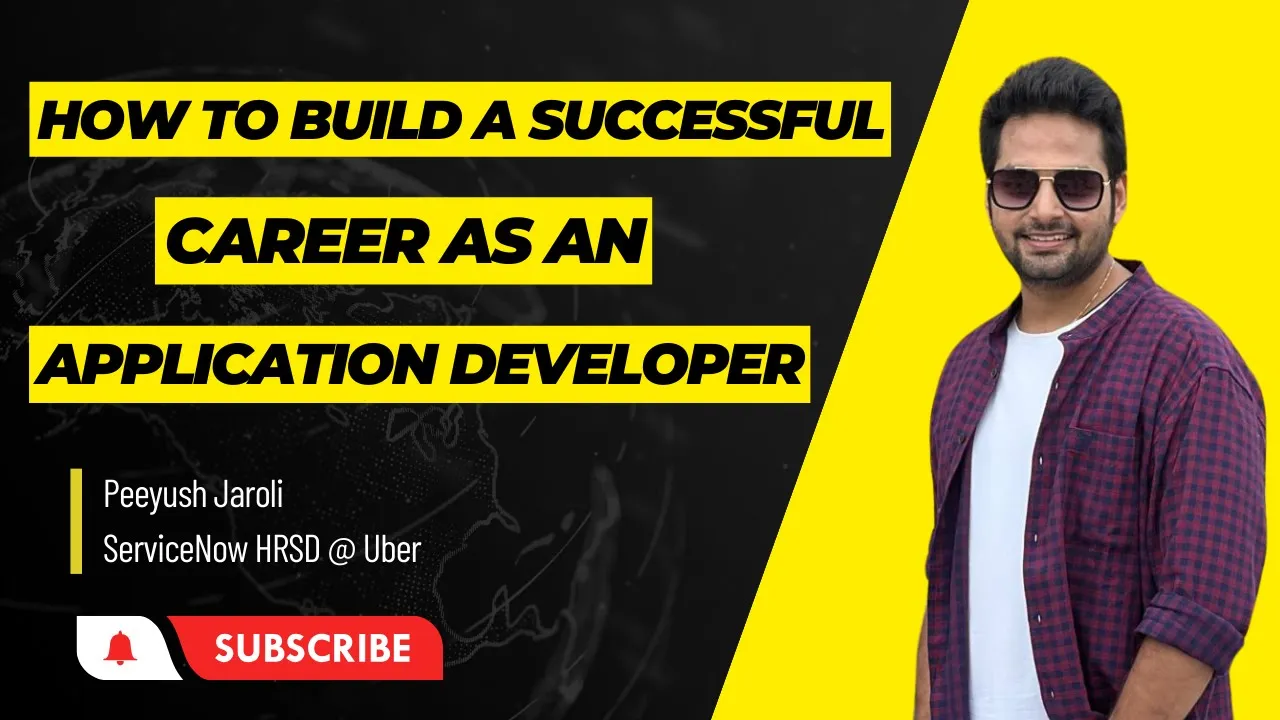
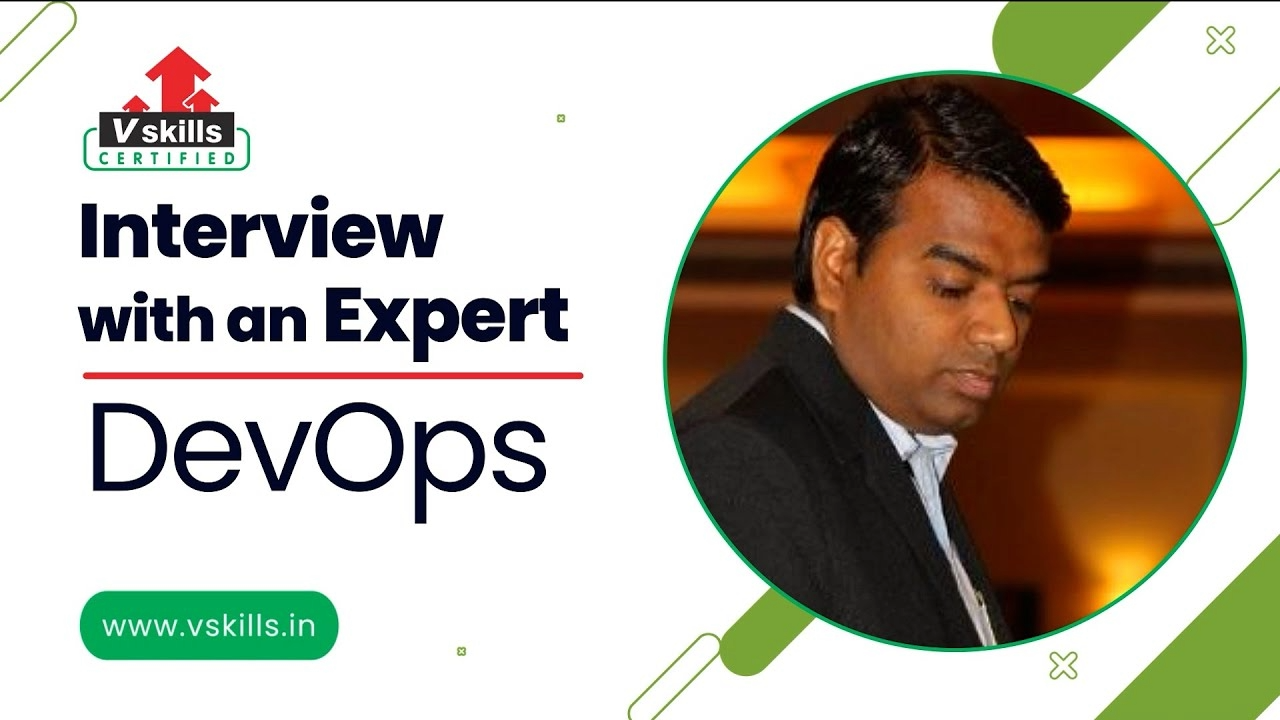
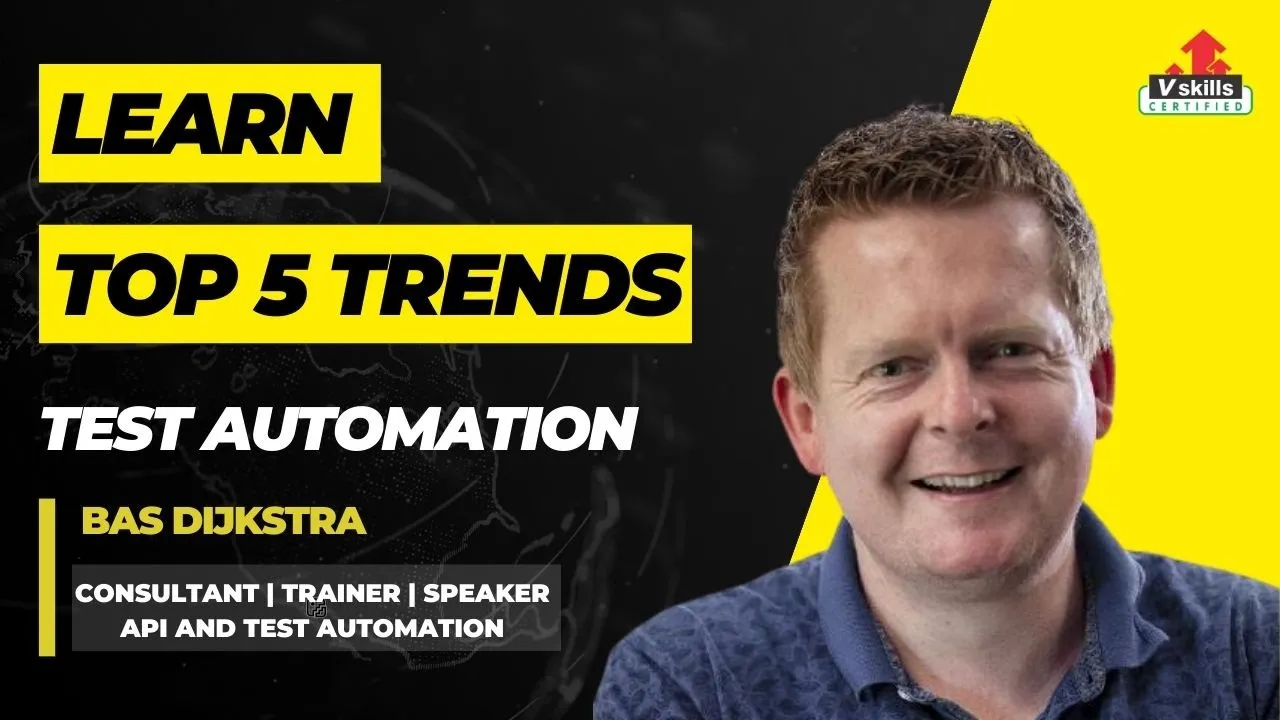
Top 5 Trends and Technology to Learn Test Automation - Bas Dijkstra Mastering Tech and Leadership: Expert Interview with Maaret Pyhäjärvi | Software Development Manager How to build successful career as an Application Developer | Peeyush Jaroli - ServiceNow HRSD @Uber Interview with DevOps Expert - Vijaykant Khowal

Node.js Related Blogs

Checkout the latest online blogs on Node.js

Node.js Jobs

Checkout the various job openings for Node.js Developers, click here..

Node.js Internships

Vskills runs its flagship internship programme where bright interns work with academic council, click to know more details..

Node.js Developer Certification – Frequently Asked Questions

Get answers about eligibility, exam pattern, career scope, validity, jobs and enrolment for Vskills Certified Node.js Developer.

The Vskills Certified Node.js Developer certification is a government-recognized credential that validates your skills in building backend and full-stack applications using Node.js. It covers core Node.js concepts, Express.js, MongoDB, REST APIs, authentication, real-time applications with Socket.io, testing with Jest, and deployment.
This certification is suitable for aspiring backend developers, frontend developers looking to go full-stack, computer science graduates preparing for placements, and working professionals in IT roles who want to transition into Node.js development. A basic understanding of JavaScript is recommended before enrolling.
You do not need prior backend development experience, but a basic familiarity with JavaScript and web fundamentals such as HTML and how browsers communicate with servers will help you get the most out of this certification.
The curriculum covers Node.js core modules, the event loop, Express.js, MongoDB and Mongoose, REST API development, JWT-based authentication, file uploads, data validation, pagination, SendGrid email integration, Jest testing, Socket.io for real-time applications, and application deployment.
Vskills certifications are backed by the Government and carry lifetime validity with no renewal fees. Your certification is tagged to your Shine.com and LinkedIn profiles, making it directly visible to recruiters. Unlike self-paced online courses, a Vskills certification carries verifiable, employer-recognized credibility.
The Vskills Certified Node.js Developer certification has lifetime validity. Once earned, you do not need to renew it or pay any additional fees to maintain its active status.
Yes. Vskills certifications are tagged directly to your LinkedIn profile, giving your credential instant visibility to recruiters and hiring managers browsing your professional profiles.
The exam is an online proctored test consisting of multiple-choice questions. It can be taken from the comfort of your home or office, and results are declared immediately upon completion.
The course is structured around four progressively complex real-world projects — a Notes App, a Weather App, a Task Manager REST API, and a real-time Chat Application. These projects give you a production-ready portfolio to showcase to employers.
The curriculum primarily uses MongoDB with Mongoose for database operations, covering document creation, querying, updating, deleting, data validation, and relationships. Learners who want SQL exposure can complement this with the Vskills Certified SQL Developer certification.
Yes. The curriculum includes a dedicated module on API authentication and security, covering password hashing, JSON Web Tokens (JWT), Express middleware for route protection, user-task relationships, and securely managing authentication tokens across endpoints.
Yes. The certification includes a comprehensive testing module using the Jest framework, covering unit tests, async testing, Express application testing, setup and teardown hooks, authentication testing, mocking libraries, and building complete test suites for real-world APIs.
You will learn to build real-time web applications using WebSockets and Socket.io. The curriculum covers event-based communication, broadcasting, room management, user tracking, and deploying a fully functional real-time chat application.
Certified professionals can pursue roles such as Node.js Developer, Backend Developer, Full Stack Developer, API Developer, and Software Engineer across IT services firms, product companies, fintech startups, and e-commerce platforms. Salaries for Node.js developers in India range from ₹4 LPA at entry level to ₹30 LPA and above at senior and architect levels.
You can register directly on the Vskills website at vskills.in. Select the Node.js Developer certification, complete the payment process, and schedule your online exam at a time convenient to you. Support is available via the Vskills helpdesk for any registration queries.

Trusted Reviews for Vskills Node.js Developer Certification

Build expertise in Node.js, Express.js, MongoDB, REST APIs, JWT authentication, Socket.io real-time apps, Jest testing and application deployment.

4.9
★★★★★

Based on 16k+ verified learner

★★★★★

I had basic JavaScript knowledge but no idea how backend development worked. This course changed that completely. Building the Task Manager API and Chat App gave me real projects to show in interviews. Thanks Vskills

- Arjun Mehta, Backend Developer at Wipro
★★★★★

The project-based approach is what sets this apart. You are not just watching theory — you are actually building apps from scratch. The REST API and JWT authentication modules are particularly well structured. Worth Taking.

- Priya Nambiar, Full Stack Developer at IBM
★★★★

Good course overall. The Socket.io Chat App section is genuinely fun to build and the Jest testing module is more thorough than most Node.js courses out there. Thanks a lot Team Vskills.

- Rohit Sehgal, Software Engineer at HCL Technologies
★★★★★

I was a frontend developer for two years and always avoided backend. This course made the transition smooth. The async/await and MongoDB sections finally made things click. Now I am confidently handling full-stack. 

- Vamsi Krishna, Full Stack Engineer at Razorpay

Table of Content


Module 1 — Course Introduction

  • Introduction 
  • PDF Guide

Module 2 — Installing and Exploring Node.js

  • Section Intro 
  • Installing Node.js and Visual Studio Code 
  • What is Node.js? 
  • Why Should I Use Node.js? 
  • Your First Node.js Script

Module 3 — Node.js Module System (Notes App)

  • Section Intro 
  • Importing Node.js Core Modules 
  • Importing Your Own Files 
  • Importing npm Modules 
  • Printing in Color 
  • Global npm Modules and nodemon

Module 4 — File System and Command Line Args (Notes App)

  • Section Intro 
  • Getting Input from Users 
  • Argument Parsing with Yargs (Part I & II) 
  • Storing Data with JSON 
  • Adding a Note 
  • Removing a Note 
  • ES6 Aside: Arrow Functions 
  • Refactoring to Arrow Functions 
  • Listing Notes 
  • Reading a Note

Module 5 — Debugging Node.js (Notes App)

  • Section Intro 
  • Debugging Node.js 
  • Error Messages

Module 6 — Asynchronous Node.js (Weather App)

  • Section Intro 
  • Asynchronous Basics 
  • Call Stack, Callback Queue, and Event Loop 
  • Making HTTP Requests 
  • Customizing HTTP Requests 
  • An HTTP Request Challenge 
  • Handling Errors 
  • The Callback Function 
  • Callback Abstraction 
  • Callback Abstraction Challenge 
  • Callback Chaining 
  • ES6 Aside: Object Property Shorthand and Destructuring 
  • Destructuring and Property Shorthand Challenge 
  • Bonus: HTTP Requests Without a Library

Module 7 — Web Servers (Weather App)

  • Section Intro 
  • Hello Express! 
  • Serving up HTML and JSON 
  • Serving up Static Assets 
  • Serving up CSS, JS, Images, and More 
  • Dynamic Pages with Templating 
  • Customizing the Views Directory 
  • Advanced Templating 
  • 404 Pages 
  • Styling the Application (Part I & II)

Module 8 — Accessing API from Browser (Weather App)

  • Section Intro 
  • The Query String 
  • Building a JSON HTTP Endpoint 
  • ES6 Aside: Default Function Parameters 
  • Browser HTTP Requests with Fetch 
  • Creating a Search Form 
  • Wiring up the User Interface

Module 9 — Application Deployment (Weather App)

  • Section Intro 
  • Joining Heroku and GitHub 
  • Version Control with Git 
  • Exploring Git 
  • Integrating Git 
  • Setting up SSH Keys 
  • Pushing Code to GitHub 
  • Deploying Node.js to Heroku 
  • New Feature Deployment Workflow 
  • Avoiding Global Modules

Module 10 — MongoDB and Promises (Task App)

  • Section Intro 
  • MongoDB and NoSQL Databases 
  • Installing MongoDB (macOS/Linux & Windows) 
  • Installing Database GUI Viewer 
  • Connecting and Inserting Documents 
  • The ObjectID 
  • Querying Documents 
  • Promises 
  • Updating Documents 
  • Deleting Documents

Module 11 — REST APIs and Mongoose (Task App)

  • Section Intro 
  • Setting up Mongoose 
  • Creating a Mongoose Model 
  • Data Validation and Sanitization (Part I & II) 
  • Structuring a REST API 
  • Installing Postman 
  • Resource Creation Endpoints (Part I & II) 
  • Resource Reading Endpoints (Part I & II) 
  • Promise Chaining 
  • Async/Await (Part I, II & Integration) 
  • Resource Updating Endpoints (Part I & II) 
  • Resource Deleting Endpoints 
  • Separate Route Files

Module 12 — API Authentication and Security (Task App)

  • Section Intro 
  • Securely Storing Passwords (Part I & II) 
  • Logging in Users 
  • JSON Web Tokens 
  • Generating Authentication Tokens 
  • Express Middleware 
  • Accepting Authentication Tokens 
  • Advanced Postman 
  • Logging Out 
  • Hiding Private Data 
  • Authenticating User Endpoints 
  • The User/Task Relationship 
  • Authenticating Task Endpoints

Module 13 — Sorting, Pagination, and Filtering (Task App)

  • Section Intro 
  • Working with Timestamps 
  • Filtering Data 
  • Paginating Data 
  • Sorting Data

Module 14 — File Uploads (Task App)

  • Section Intro 
  • Adding Support for File Uploads 
  • Validating File Uploads 
  • Validation Challenge 
  • Handling Express Errors 
  • Adding Images to User Profile 
  • Serving up Files 
  • Auto-Cropping and Image Formatting

Module 15 — Sending Emails (Task App)

  • Section Intro 
  • Exploring SendGrid 
  • Sending Welcome and Cancellation Emails 
  • Environment Variables 
  • Creating a Production MongoDB Database 
  • Heroku Deployment

Module 16 — Testing Node.js (Task App)

  • Section Intro 
  • Jest Testing Framework 
  • Writing Tests and Assertions 
  • Writing Your Own Tests 
  • Testing Asynchronous Code 
  • Testing an Express Application (Part I & II) 
  • Jest Setup and Teardown 
  • Testing with Authentication 
  • Advanced Assertions 
  • Mocking Libraries 
  • Wrapping up User Tests 
  • Setup Task Test Suite 
  • Testing with Task Data

Module 17 — Real-Time Web Applications with Socket.io (Chat App)

  • Section Intro 
  • Creating the Chat App Project 
  • WebSockets 
  • Getting Started with Socket.io 
  • Socket.io Events (+ Challenge) 
  • Broadcasting Events 
  • Sharing Your Location 
  • Event Acknowledgements 
  • Form and Button States 
  • Rendering Messages 
  • Rendering Location Messages 
  • Working with Time 
  • Timestamps for Location Messages 
  • Styling the Chat App 
  • Join Page 
  • Socket.io Rooms 
  • Storing Users (Part I & II) 
  • Tracking Users Joining and Leaving 
  • Sending Messages to Rooms 
  • Rendering User List 
  • Automatic Scrolling 
  • Deploying the Chat Application

Module 18 — Wrapping Up

  • Section Intro 
  • New Feature Ideas


Write a review

Please login or register to review

 For Support